Making the Workplace Work: How Accessible Homes Support Disabled Employees
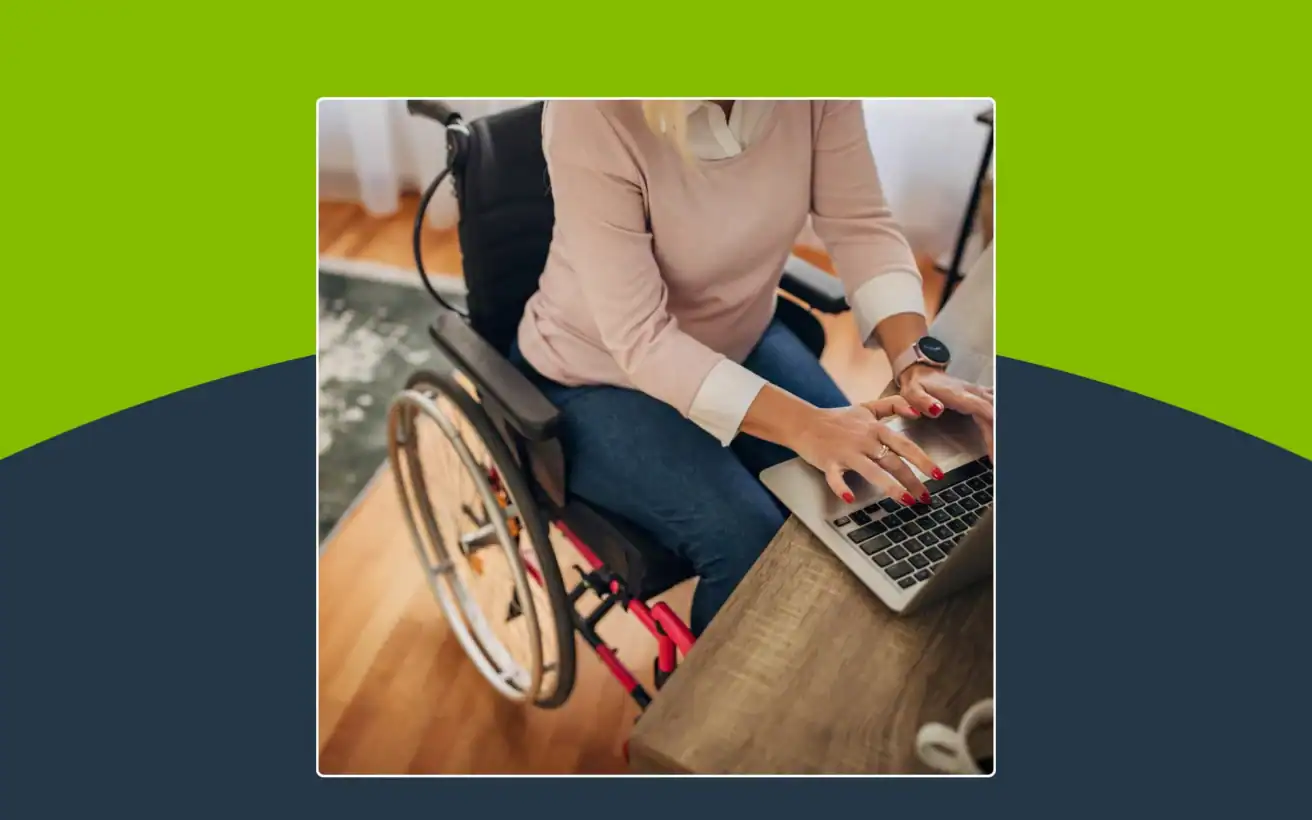
For many disabled employees, especially in remote and hybrid roles, the home has become part of the workplace. An accessible home, with the right physical layout and assistive technology, directly supports someone’s ability to work well, and employers can play a meaningful role by offering flexible policies and accommodation resources.
The word “workplace” used to bring a clear image to mind: a desk, an office, maybe a cubicle. That image doesn’t hold up anymore. For a growing number of disabled employees working remote or hybrid roles, the home office is the workplace. And when that space isn’t accessible, no amount of employer accommodation at headquarters can fully make up for it.
An employee can have a supportive manager, flexible hours, and every workplace accommodation on paper, and still struggle if their home desk is at the wrong height, their doorway is too narrow for a wheelchair, or their internet setup doesn’t work with their assistive technology.
This article looks at why home accessibility has become a workplace issue, the barriers disabled employees commonly encounter at home, practical modifications that help, and what employers can do to support their teams, wherever their teams happen to be working.
Why Home Accessibility Is a Workplace Issue
Remote and hybrid work have blurred the line between “home” and “office” for millions of employees. For disabled employees, that blurred line carries real weight. If a home workspace isn’t built with accessibility in mind, it can limit someone’s productivity, comfort, and even their ability to participate fully in meetings and daily tasks.
Employers have made real progress supporting accessibility inside physical offices with accessible entrances, adjustable desks, and assistive technology at workstations. But accessibility support that stops at the office door misses a meaningful share of where work actually happens now. A truly inclusive workplace policy has to account for the home environment too.
Common Barriers Disabled Employees Face Working From Home
Home offices weren’t always designed with accessibility in mind, especially in homes that predate remote work becoming common. Some of the most common challenges include:
- Layout barriers, such as stairs to reach a home office, narrow doorways, or tight turning space for a wheelchair or walker.
- Ergonomic gaps, like desks and chairs that don’t adjust to fit different bodies or mobility needs.
- Lack of adaptive equipment, from screen readers to voice-activated tools, that would otherwise reduce friction in daily tasks.
- Sensory considerations, including harsh lighting, background noise, or poor acoustics during video calls.
None of these barriers are abstract. They show up in small, daily frustrations such as, an extra few minutes to get positioned at a desk, a video call where captions aren’t available, a task that takes longer because the right tool isn’t within reach.

Home Modifications That Support Remote and Hybrid Work
The good news is that many home modifications, both physical and technological, can significantly reduce these barriers.
Physical Accessibility Upgrades
Structural changes make a real difference in day-to-day comfort and independence. Common upgrades include:
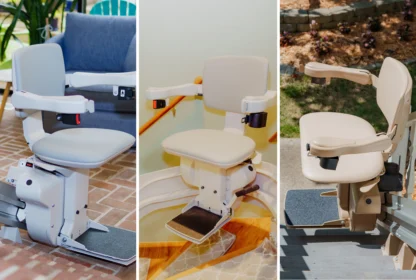
- Ramps to eliminate step-related barriers
- Widened doorways for easier wheelchair or walker access
- Non-slip or smoother flooring for safer movement
- Adjustable-height desks that accommodate different needs throughout the day
These changes support not just accessibility, but comfort over the course of a full workday.
How Employers Can Support Home Accessibility
Employers don’t need to redesign every employee’s home to make a meaningful impact. Practical, general support options include:
- Accommodation stipends that help employees cover the cost of home office modifications or equipment
- Flexible remote or hybrid policies that let employees work in the environment best suited to their needs
- Clear points of contact for employees to request accessibility resources or accommodations
- Connections to external resources, such as assistive technology vendors or accessibility consultants
Specific obligations around home office accommodations vary by employer, role, and location, so this isn’t a substitute for legal guidance. But at a practical level, employers who treat the home as part of the workplace tend to see more engaged, supported employees.

Frequently Asked Questions
What accommodations can employers provide for remote employees with disabilities?
Employers can offer accommodation stipends for equipment or modifications, flexible scheduling, ergonomic equipment, and access to assistive technology resources. Support often looks different depending on the employee’s role and specific needs.
How can I make my home office more accessible?
Start by identifying the barriers that affect your daily tasks most, whether that’s physical layout, lighting, or equipment. Common improvements include adjustable-height desks, better lighting, ergonomic accessories, and assistive technology like screen readers or voice-activated tools.
What assistive technology helps people with disabilities work from home?
Screen readers, speech-to-text software, voice-activated smart home devices, ergonomic keyboards and mice, and adjustable desks are among the most commonly used tools that support disabled employees working remotely.
How does remote work benefit employees with disabilities?
Remote work can reduce commuting barriers, allow employees to work in an environment tailored to their needs, and offer more control over factors like lighting, noise, and physical layout, all of which can support comfort and productivity.
Building a Workplace That Works Everywhere
Workplace accessibility doesn’t end at the office door. For many disabled employees, the home is where the workday actually happens, and small, practical changes there can make a meaningful difference in how well someone can do their job.
If you’re an employee, take a look at your own home workspace and consider what’s making your day harder than it needs to be. If you’re an employer or HR professional, consider starting a conversation with your team about what accessibility support might look like beyond the office walls.